Introduction
Cloud apps multiply access points. Contractors come and go. Hybrid teams mix full-time employees with vendors, partners, and service accounts that never sleep.
Every one of these relationships creates a digital identity, and every identity carries access that can be exploited if that access is wrong or left in place too long.
Many security teams still treat user lifecycle management (ULM) as an IT housekeeping task: create an account, reset a password, close a ticket. That framing misses the point. Every joiner, mover, or leaver event changes who can touch sensitive systems and data.
The stakes are measurable. In one industry survey, 84% of organizations reported an identity-related breach in the prior year, yet only 26% said they always revoke a former employee's access within a day (IDSA, 2022).
This article breaks down how lifecycle controls reduce excessive access, strengthen audit evidence, and create consistent security outcomes across the identity journey.
Key Takeaways
- ULM governs access through onboarding, role changes, and offboarding, not just account creation
- Automated mover and leaver workflows close attack paths like orphaned accounts and lingering VPN access
- Documented approvals and revocation logs replace manual evidence-gathering during audits
- Human oversight and periodic access reviews stay essential, even with automation in place
What Is User Lifecycle Management?
User lifecycle management is the policy-driven process of controlling digital identities, accounts, and entitlements from the moment someone joins an organization until their access is fully removed. Coordinated policies and workflows carry each identity through every access change across systems.
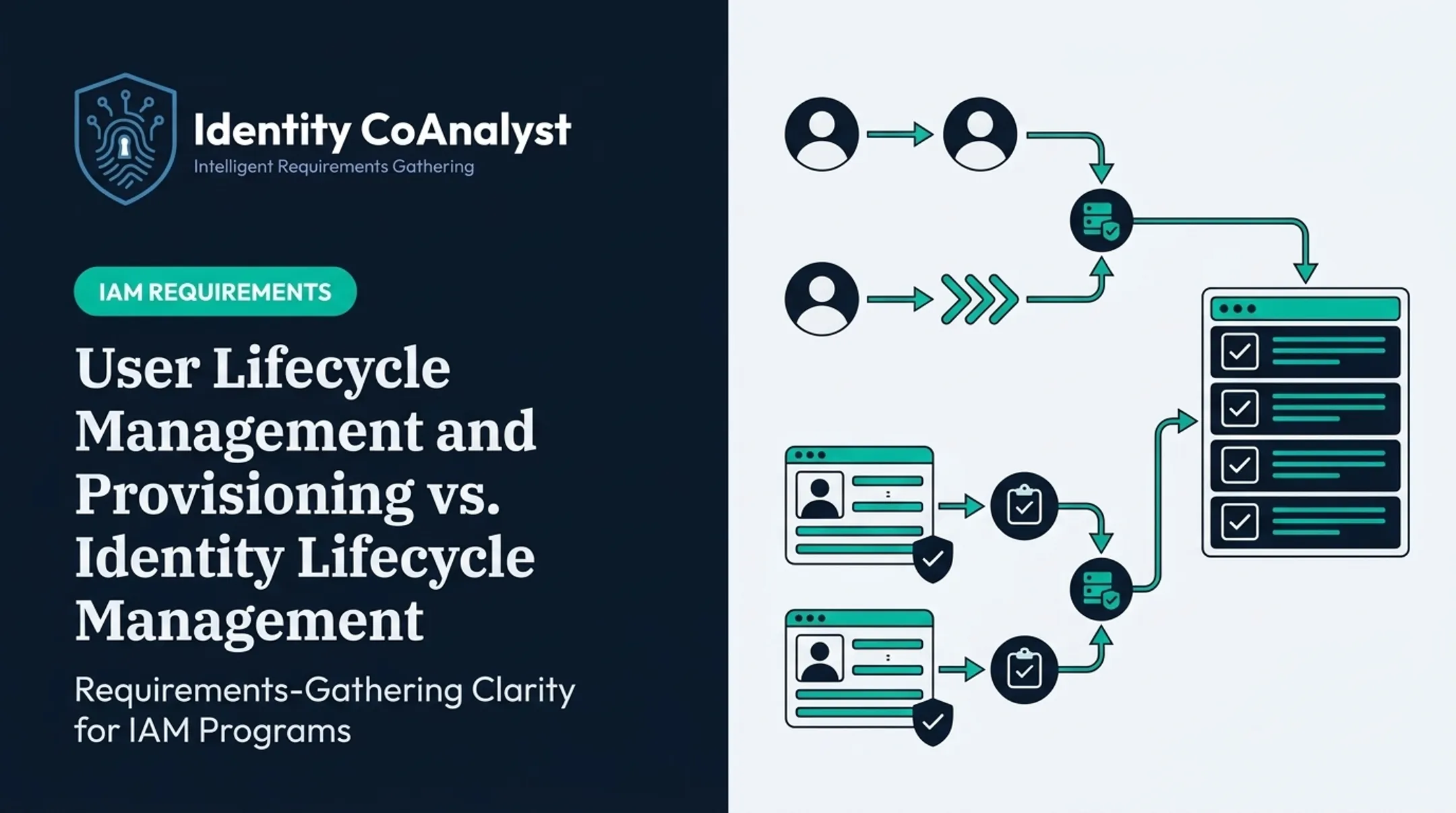
Most programs follow the joiner-mover-leaver (JML) model, which echoes the phases in the federal government's Identity Lifecycle Management Playbook:
- Joiner – Provisioning: an identity is created and given baseline access tied to role, department, and location
- Mover – Modification: access is adjusted when a job, manager, or department changes
- Leaver – Deprovisioning: access is revoked, sessions terminated, and accounts disabled or deleted

How ULM Fits with IAM and IGA
Teams often treat these labels as interchangeable, but each describes a different layer:
- IAM (Identity and Access Management) covers authentication, authorization, and identity data broadly
- IGA (Identity Governance and Administration) adds oversight, policy, certification, and audit trails on top of IAM
- ULM is the operational layer that manages how an identity's access state changes over time
ULM should cover more than full-time staff. Contractors, temporary workers, partners, and non-human identities like service accounts all need lifecycle rules. An orphaned service account is just as exploitable as an orphaned human one.
Key Advantages of User Lifecycle Management
The real value of ULM shows up in security exposure, compliance readiness, and operational consistency, not simply in how fast you can create an account.
Reduced Attack Surface and Insider-Risk Exposure
Role-based provisioning gives people only the access their current job requires. Automated mover workflows strip out permissions tied to a previous role the moment that role changes.
Timely deprovisioning closes real attack paths, including:
- Former employees' accounts and active sessions
- Leftover API tokens and VPN access
- Third-party application accounts tied to a departed contractor
The gap between policy and practice is wide. That same IDSA survey of 504 IT and security professionals found 51% typically remove a former employee's access within a day, but only 26% said they always do it. That inconsistency is where breaches start.
Worth tracking internally:
- Excessive entitlements per role
- Orphaned and dormant accounts
- Unresolved access exceptions
- Time from termination event to full access revocation
NIST SP 800-53 (control AC-2) calls for disabling accounts that are expired, unassociated with a current user, or inactive beyond a defined period (NIST, 2020). Most mature ULM programs build this directly into leaver workflows.
Stronger Compliance and Audit Readiness
Lifecycle controls generate the evidence auditors actually ask for: authorization records, approval history, provisioning and deprovisioning logs, access certifications, and documented exceptions, each tied to a timestamp and an owner.
That evidence maps differently depending on the framework:
| Framework | What it expects | What ULM evidence provides |
|---|---|---|
| SOC 2 | Logical access controls tied to trust criteria | Dated provisioning, role-change, and revocation records |
| HIPAA | Workforce authorization and termination of ePHI access | Access-termination logs tied to employment status changes |
| PCI DSS | Need-to-know access reviews for account and system access | Periodic entitlement reviews and revocation evidence |
| NIST-aligned programs | Account lifecycle events, least privilege, separation of duties | Audit trails covering creation, modification, and removal |
No single framework has identical requirements, and ULM doesn't guarantee compliance on its own. What it does is turn "we believe access was appropriate" into a documented, reviewable trail.
Greater Consistency, Efficiency, and Control at Scale
Standardized, event-driven workflows replace email chains, spreadsheets, and an administrator's memory. That matters most during a rushed termination, when nobody has time to hunt down which of forty systems still has someone's login active.
Consistent workflows deliver:
- Faster access grants for legitimate business needs
- Fewer missed or forgotten changes
- Clear ownership at every step
- A repeatable process during incidents, not an improvised one
To keep those workflows honest, define and track a short set of KPIs:
- Provisioning and deprovisioning cycle time
- Access-review completion rate
- Exception aging
- Manual ticket volume
- Failed workflow actions
- Percentage of applications with automated coverage

Set your own baselines. There isn't a reliable universal benchmark for most of these, so internal trend data matters more than an external number.
What Happens When User Lifecycle Management Is Missing or Ignored
Skip lifecycle controls, and consequences show up in security, compliance, and daily operations at the same time.
Security consequences:
- Privilege creep from accumulated role changes nobody cleaned up
- Active accounts belonging to former employees
- Excessive standing access instead of scoped, task-based permissions
- Inconsistent contractor access across departments
- Unmonitored accounts sitting in shadow IT or disconnected applications
A 2021 internal audit in Cobb County, Georgia, found this in practice. Reviewers examined 334 terminated employees and found 56 accounts still enabled, despite a formal disabling process being in place (Cobb County, 2021).
The process existed. Departments just didn't follow it consistently — the real-world failure mode for most organizations.
Compliance and investigation consequences:
- Incomplete audit evidence when reviewers ask for proof of timely revocation
- Unclear ownership over who approved what, and when
- Inconsistent approval trails across departments
- Time-consuming manual evidence gathering during a review or breach investigation
Business consequences:
- Delayed onboarding while new hires wait for access
- A backlog of access-related help desk tickets
- Wasted software licenses tied to inactive accounts
- Repeated manual remediation instead of a fix-it-once workflow
- Operational disruption when the one administrator who "knows how this works" is out sick
A quick scenario: A marketing manager transfers to sales. Without a mover workflow, their old Marketing Automation Admin role stays active for months alongside their new sales tools, because nobody revoked it.
A complete mover process instead:
- Grants the new department role immediately
- Revokes the old role the same day
- Flags the change for the new manager to recertify within 30 days
- Logs every step for audit purposes
How to Get the Most Value from User Lifecycle Management
ULM succeeds when these pieces work as one system—not as separate tools bolted together:
- Policy
- Authoritative data
- Application coverage
- Automation
- Ongoing review
Establish Reliable Identity Data and Lifecycle Ownership
Your HR system, commonly Workday or a similar platform, should be the single source of truth for employment status, department, manager, worker type, hire date, and termination date. Bad source data leads directly to bad access decisions.
Assign clear ownership: HR maintains identity data, IT executes provisioning, application owners approve access to their systems, and managers handle recertification. Someone also needs to own exceptions, or they pile up unresolved.
Define Access Policies Before Automating Workflows
Automating a bad policy just makes bad decisions faster. Before building workflows, define:
- Role and entitlement models based on actual job responsibilities and least privilege
- Separation-of-duties rules for conflicting role combinations
- The line between birthright access (granted automatically) and request-based access (requires approval)
- Approval rules for standard, elevated, temporary, privileged, contractor, and emergency access, including expiration and recertification timing
Automate Events While Retaining Controls and Exceptions
Joiner, mover, leaver, leave-of-absence, and urgent termination events should each trigger standardized workflows for provisioning, access modification, session revocation, license reclamation, and deprovisioning.
Automation still needs guardrails:
- Validation checks and failure alerts when a workflow doesn't complete
- Human approval for sensitive or privileged access
- A rollback or remediation path when something goes wrong
- Manual coverage plans for legacy applications that lack modern connectors
Maintain Continuous Visibility and Review
Build an inventory of every application and entitlement, with a named owner for each. Cover:
- SaaS, on-premises, and cloud systems
- Legacy and disconnected applications
- Third-party and privileged systems
Pair event-driven changes with periodic access reviews, entitlement audits, exception-aging reports, and regular checks for orphaned accounts. Automation handles the obvious cases. Reviews catch the ones automation missed.
Plan Requirements Comprehensively Before Implementation
The most common reason ULM programs underperform isn't the technology. It's incomplete requirements. Successful design depends on input from HR, IT, security, compliance, managers, application owners, and end users before anyone configures an IGA, IAM, or PAM platform.
This is where a tool like Identity CoAnalyst can help as an optional discovery aid. It is a vendor-agnostic questionnaire platform for capturing requirements before implementation starts—not after—including:

- Lifecycle events and role logic
- Approval rules and integration points
- Governance needs, exceptions, and documentation
It supports requirements gathering. It does not perform access administration.
Whatever method you use, document decisions, contradictions, open questions, data dependencies, and acceptance criteria as you go. That record keeps the lifecycle program implementation-ready and auditable later.
Conclusion
User lifecycle management works because it keeps access tied to who someone is, what role they hold, and what the business currently needs, not what it needed six months ago.
The compliance payoff doesn't come from automation alone. It comes from consistent policy enforcement paired with reliable evidence: documented approvals, completed reviews, and revocation logs that hold up when an auditor asks for proof.
Treat ULM as an ongoing governance practice, not a one-time project. Applications change. Workforce models shift. Regulations evolve. Non-human identities keep multiplying. A lifecycle program built to adapt to all of that will outlast one built just to check a box.
Frequently Asked Questions
What are the five stages of the customer lifecycle?
The customer lifecycle (awareness, consideration, decision, retention, advocacy) describes a buyer's relationship with a product. It's unrelated to user lifecycle management, which governs employee, contractor, and system access through joiner-mover-leaver events.
What is the primary goal of user lifecycle management?
The goal is to ensure every identity has appropriate, approved, and traceable access for exactly as long as they need it, from the day they join to the day they leave.
What are the three stages of user lifecycle management?
Joiner (provisioning access for new users), mover (adjusting access during role or department changes), and leaver (fully deprovisioning access when someone departs).
How does user lifecycle management improve security?
It enforces least privilege, reduces privilege creep from old roles, flags dormant or orphaned accounts, and speeds up access revocation across every connected system.
How does user lifecycle management support compliance?
Documented approvals, access reviews, lifecycle logs, and deprovisioning records give organizations reviewable evidence that access is governed, rather than assumed.
What is privilege creep, and how can lifecycle management prevent it?
Privilege creep is the gradual buildup of access from past roles or temporary assignments that never gets removed. Mover workflows, role-based policies, access expiration, and periodic recertification catch and reverse it.