Manual lifecycle administration creates predictable problems: delayed deprovisioning, excessive permissions that never get walked back, inconsistent role changes across systems, orphaned accounts nobody remembers creating, and weak evidence when auditors come asking who approved what. A 2022 IDSA survey of 504 security professionals found that 84% of organizations had experienced an identity-related breach in the prior year, with 78% reporting direct business impact (IDSA, 2022).
This article breaks down how user lifecycle management (ULM) software strengthens security across joiner, mover, and leaver events, and what to evaluate before you adopt it.
Key Takeaways
- ULM software automates identity and access changes from onboarding through offboarding, cutting reliance on manual, error-prone processes
- Consistent least-privilege enforcement reduces excessive access and policy exceptions across large application portfolios
- Event-driven mover workflows close the gap where employees keep old access after taking on new roles
- Automated deprovisioning limits how long former employees or contractors retain working credentials
- Strong role definitions, clean HR data, and full integration coverage determine whether automation actually delivers security value
What Is User Lifecycle Management Software?
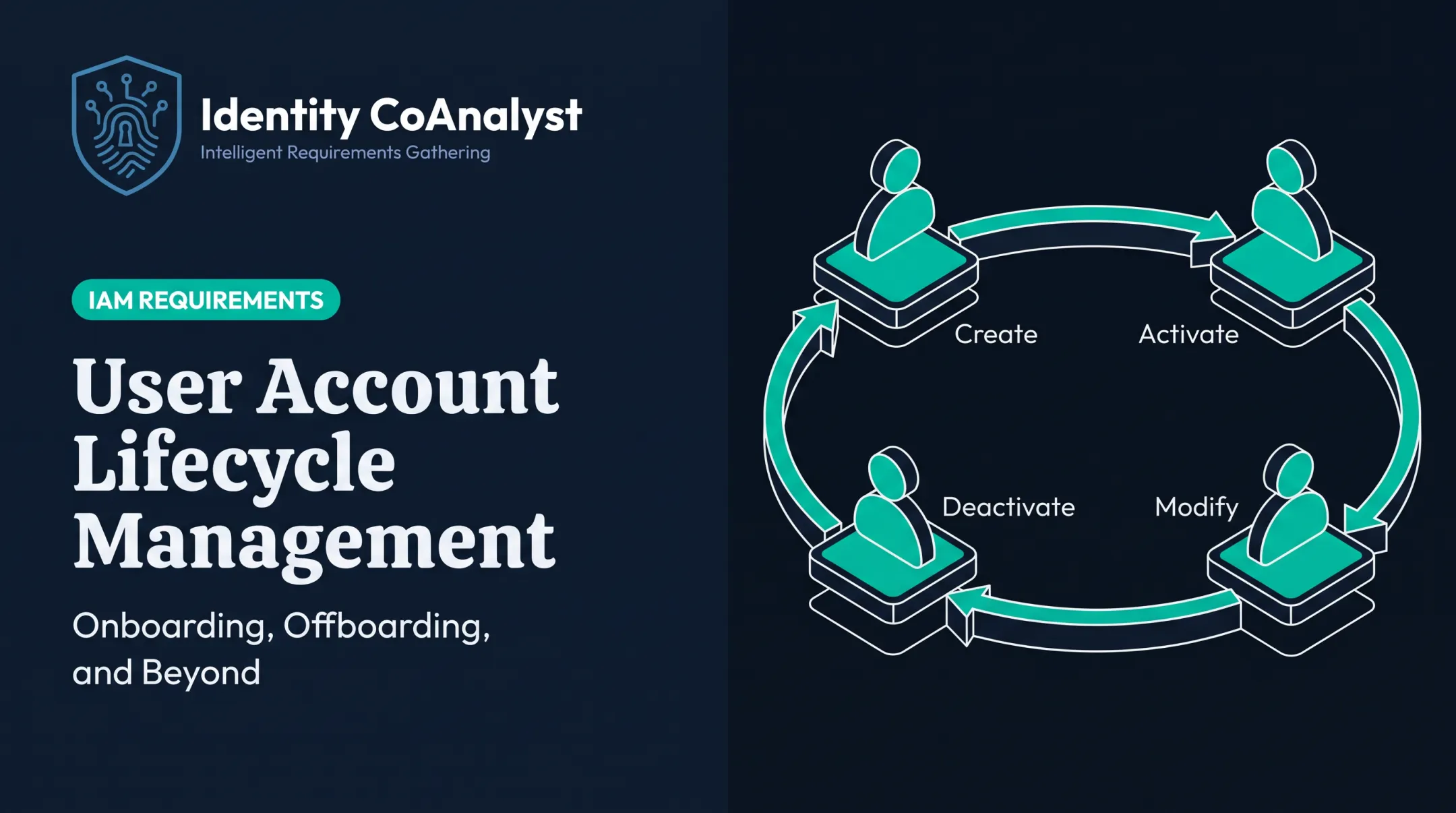
User lifecycle management software coordinates a person's digital access from the day they join an organization through every role change, leave of absence, temporary status shift, periodic access review, and eventual departure. It's the operational layer that turns workforce events into repeatable, documented access decisions.
The Joiner-Mover-Leaver Model
Most ULM platforms are built around three core events:
- Joiner: A new hire, contractor, or temporary worker needs baseline access provisioned quickly and correctly
- Mover: An existing user changes role, department, or worker type—so access is granted and revoked to match
- Leaver: Employment or a contract ends, triggering revocation across every connected system

This differs fundamentally from authentication tools. Authentication verifies that the person logging in is who they claim to be. ULM decides what that verified person should actually have access to, and updates it as their status changes.
How ULM Fits Into Your Security Stack
ULM software typically connects several systems:
- HR or workforce platforms (Workday, PeopleSoft, Paycom)
- Identity providers and directories (Active Directory, Entra ID)
- Business applications and IT service management tools
- Governance workflows for approvals and access reviews
It acts as a translation layer. A Workday status change or an approved transfer becomes concrete provisioning and deprovisioning across connected systems. ULM sits alongside multifactor authentication, endpoint security, and network controls so those defenses protect the right access for the right person at the right time.
Key Advantages of User Lifecycle Management Software
The security value of ULM software should be measured through outcomes: less inappropriate access sitting around, faster revocation when it's no longer needed, fewer policy exceptions, stronger audit evidence, and better visibility into identity risk overall.
Advantage 1: Enforces Least-Privilege Access More Consistently
Role-based access, attributes like department or job function, and predefined birthright access give users what they need for their job without relying on ad hoc manual assignments. A new Marketing Manager, for example, might automatically receive email, Office 365, the intranet, and a Marketing Team role — while a request for Marketing Automation Admin access routes to the Marketing Director for approval.
CISA guidance is direct about this principle: personnel should only get access to the data, rights, and systems required for their specific jobs, applied through individual accounts rather than shared or blanket permissions (CISA, 2022).
Centralized policies matter because access granularity isn't only about which applications a user can open. It's also about what they can do inside each one.
An account with application-level access might still hold excessive in-app permissions, such as read/write rights to sensitive data stores the role never required. That gap between application access and in-app permissions is where excess risk often hides.
KPIs impacted:
- Excessive-access findings during reviews
- Percentage of access aligned with approved roles
- Number of active policy exceptions
- Privileged-access assignment counts
- Access-review remediation rates
Large, distributed, and regulated organizations feel this first: users touch dozens of systems, and manual permission assignment creates role sprawl fast.
Advantage 2: Reduces Privilege Creep During Role Changes
Movers need more than new access bolted on top of old access. A secure transition evaluates which previous permissions should stay, which should go, and whether the new role combination creates a segregation-of-duties conflict. Event-driven workflows use authoritative workforce changes — department transfers, promotions, reporting-line changes, leave, worker-type shifts — as triggers for these updates.
Consider a database administrator who transfers from a production support team into a development team. A well-built mover workflow revokes the "Production DBA" role and assigns "Development DBA" in the same action, rather than layering the new role on top of access the person no longer needs.
The same pattern applies to a Finance Analyst promoted to Finance Manager: revoke analyst permissions, grant manager permissions, and if a handoff window is needed, give it a scheduled expiration instead of indefinite overlap.
Manual processes skip that evaluation. Granting new access is easy; auditing and removing old access is not—so role changes become a common source of unused entitlements.
KPIs impacted:
- Time to complete mover-related changes
- Stale entitlements removed per transition
- Unresolved access conflicts flagged
- Access-review exceptions tied to role changes
- Percentage of mover changes processed automatically
Expect the biggest payoff where internal mobility is high: matrixed teams, mergers, reorganizations, and role hierarchies that let one person hold overlapping roles at once.
Advantage 3: Improves Offboarding and Limits Orphaned-Account Risk
Automated deprovisioning revokes access across connected applications, directories, VPNs, collaboration tools, and privileged systems the moment an employment or contract relationship ends. A centralized identity record alone isn't enough.
A complete leaver workflow also has to cover:
- Downstream and non-SSO application accounts
- Shared resources and service-desk handoffs
- Physical devices and hardware tokens
- Documented retention exceptions for legal or compliance needs
The gap between policy and practice here is well documented. A 2021 Cobb County, Georgia internal audit reviewed 334 terminated employees and found that 56 accounts remained fully enabled after termination, with the report noting that reliance on a biweekly HR report could leave access open for days or weeks after someone left (Cobb County Internal Audit, 2021).
A well-built leaver flow looks more like this: on a sales manager's last working day, Active Directory is disabled at 5 PM, VPN and remote access are revoked, MFA devices are disabled, and building badge access is deactivated—all in one coordinated action, with a short grace period for email forwarding before full archiving.

KPIs impacted:
- Time from termination notice to access revocation
- Outstanding accounts found after offboarding
- Failed deprovisioning actions requiring rework
- Applications not connected to automated deprovisioning
- Offboarding checklist completion rate
For remote workforces, contractor-heavy environments, large SaaS portfolios, and teams handling regulated data, that gap between departure and revocation is the window when misuse is most likely.
What Happens When User Lifecycle Management Software Is Missing or Ignored
Without ULM software, lifecycle management typically runs on spreadsheets, email approvals, help-desk tickets, and one-off scripts. That patchwork creates inconsistent identity data and access decisions nobody can fully trace back to an approval.
The security consequences show up in predictable ways:
- Active accounts after departure or contract expiry, sitting unused but still functional
- Privilege creep after promotions, transfers, or temporary assignments that never get walked back
- Excessive or conflicting permissions that violate least-privilege or segregation-of-duties policies
- Incomplete visibility across SaaS, legacy, cloud, and on-premises applications
- Weak audit evidence, because nobody can reliably show who approved, changed, or revoked a given piece of access
ULM software doesn't eliminate risk on its own. Poorly designed roles, incomplete integrations, inaccurate HR data, and unreviewed exceptions can produce insecure outcomes even with automation in place.
Software executes the rules you give it. If those rules are wrong, the automation just makes the wrong outcome faster.
How to Get the Most Value from User Lifecycle Management Software
Successful ULM depends on combining automation with clear ownership, reliable identity data, well-defined access policies, and ongoing review. None of that happens by default.
Establish authoritative sources and triggers. Decide which HR, contractor-management, or directory system is the source of truth for joiner, mover, leaver, leave, and worker-type events.
Define how you'll handle conflicting records, delayed updates, duplicate identities, future-dated changes, and emergency terminations before you build a single workflow.
Design access policies before configuring workflows. Map job functions and business attributes to baseline entitlements, privileged access, temporary access, and restricted resources. Build in least privilege, segregation-of-duties rules, approval ownership, expiration rules, and a process for documenting exceptions.
Integrate the full application environment. Evaluate coverage across cloud applications, directories, identity providers, legacy systems, databases, and privileged-access platforms.
For applications without mature provisioning standards, define compensating controls, ownership, and how you'll collect evidence for those manual exceptions.
Build reviews and auditability into daily operations.
- Log every access request, approval, provisioning action, change, revocation, failure, override, and reviewer decision
- Schedule periodic and event-based reviews, prioritizing privileged, sensitive, dormant, and shared accounts
- Assign an owner, due date, and remediation path for each finding so exceptions do not linger
Measure outcomes and refine continuously. Track revocation timeliness, failed workflow actions, stale permissions, exception volume, and review completion rates. Use those numbers to fix role definitions and integrations rather than treating implementation as a one-time project.

Where Planning Fits Before Implementation
Getting these decisions right requires thorough requirements documentation before you configure anything. This is the stage Identity CoAnalyst was built to support. It's an AI-powered, vendor-agnostic platform that helps teams document lifecycle events, stakeholder responsibilities, integration needs, and governance requirements ahead of an IGA, IAM, or PAM implementation.
It doesn't replace the provisioning, deprovisioning, or access-review platform you eventually deploy. It makes the requirements feeding that platform complete and traceable. Most lifecycle security programs fail because those upstream requirements were incomplete.
Conclusion
ULM software strengthens security by keeping access aligned with a person's current relationship, role, and responsibilities across the entire joiner-mover-leaver lifecycle. The biggest gains come from:
- Consistent least-privilege enforcement
- Complete mover and leaver workflows
- Broad integration coverage
- Audit trails that hold up under scrutiny
Treat lifecycle management as an ongoing security practice, not a one-time project. Build it on reliable requirements, clear ownership, and continuous monitoring—and refine the model as the organization changes.
Frequently Asked Questions
What is user lifecycle management software?
It's a system that automates identity and access changes across onboarding, role changes, ongoing management, periodic reviews, and offboarding. It translates workforce events into consistent, documented access decisions.
How does user lifecycle management software improve security?
It enforces least privilege, applies access changes consistently, revokes access promptly at termination, and reduces manual errors. It also creates audit trails showing who approved, changed, or removed access.
What are the main stages of the user lifecycle?
The core stages are joiner, mover, and leaver events. Ongoing access reviews and temporary status changes, like leave, also require governance even though they're not always part of the JML acronym.
How does ULM software prevent privilege creep?
When someone transfers, gets promoted, or changes worker type, ULM recalculates entitlements and removes outdated permissions instead of only adding new ones. Access reviews and expiration rules catch anything automation misses.
What features should organizations look for in ULM software?
Prioritize authoritative HR integrations, role and attribute-based policies, automated provisioning and deprovisioning, and access reviews. Add broad application connectivity, approval workflows, exception handling, and audit reporting for scale and compliance.
Is user lifecycle management the same as IAM or IGA?
No. ULM is a lifecycle-focused capability within the broader identity landscape. IAM covers authentication and access management overall; IGA adds governance such as reviews, policy enforcement, and compliance controls on top of the lifecycle functions ULM handles.